User guide
Inventory
How to record what you own, organize it, and get it back out again.
Screenshots are from the iPhone app. Everything shown on this page works the same way in the Android app, drawn in Android's own style.
Holdings
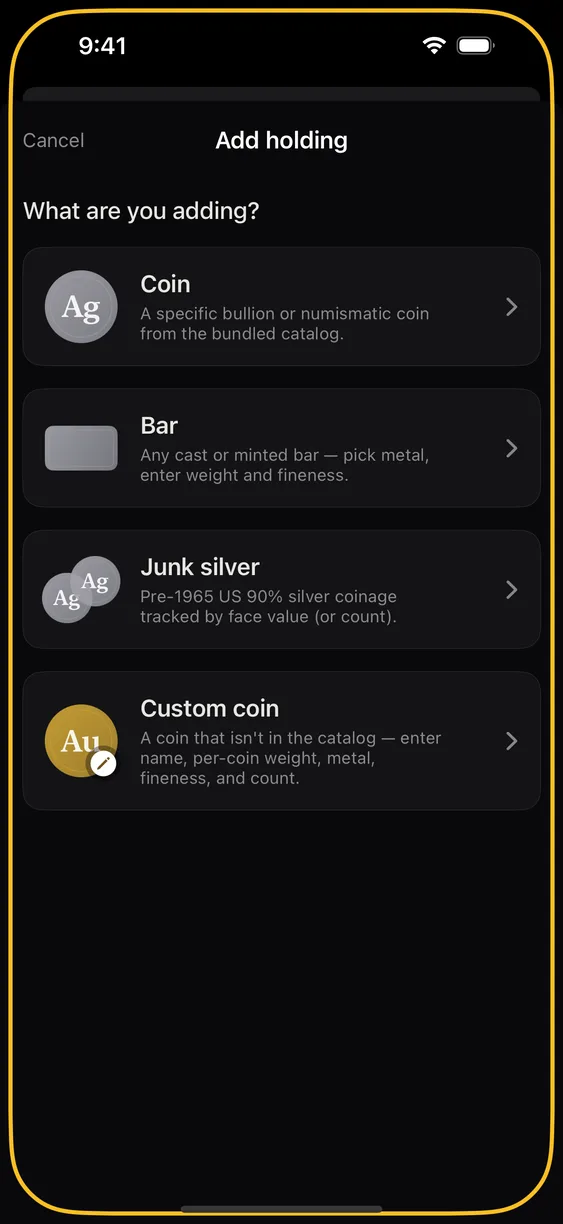
A holding is one line in your inventory: a quantity of one thing, in one place. Five metals are supported — gold, silver, platinum, palladium, and copper — across coins, bars, rounds, junk silver, and an "other" catch-all. Values are in US dollars; Pro shows them in any of 43 other currencies (see Prices & alerts).
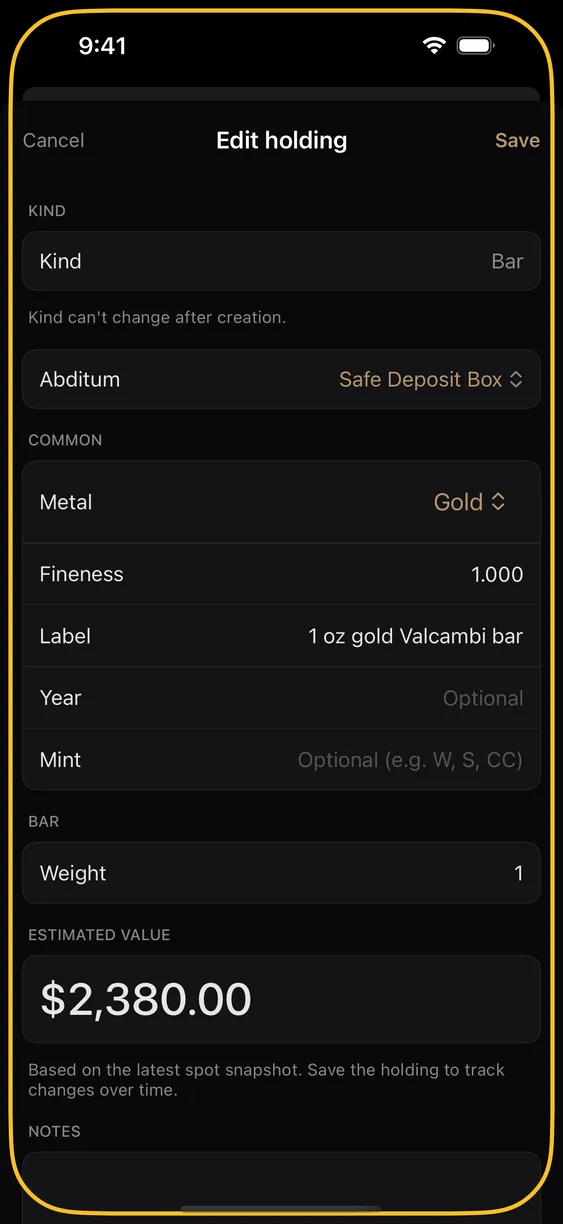
Only a few fields are required: metal, kind, how many, and weight. Everything else — year, mint, purchase price, purchase date, notes — is optional, and a holding with blanks is a perfectly good holding. Fill in purchase price if you want gain and loss to mean anything; leave it out and the app simply shows current value.
There is no limit on how many holdings you can record, on any tier.
Abdita
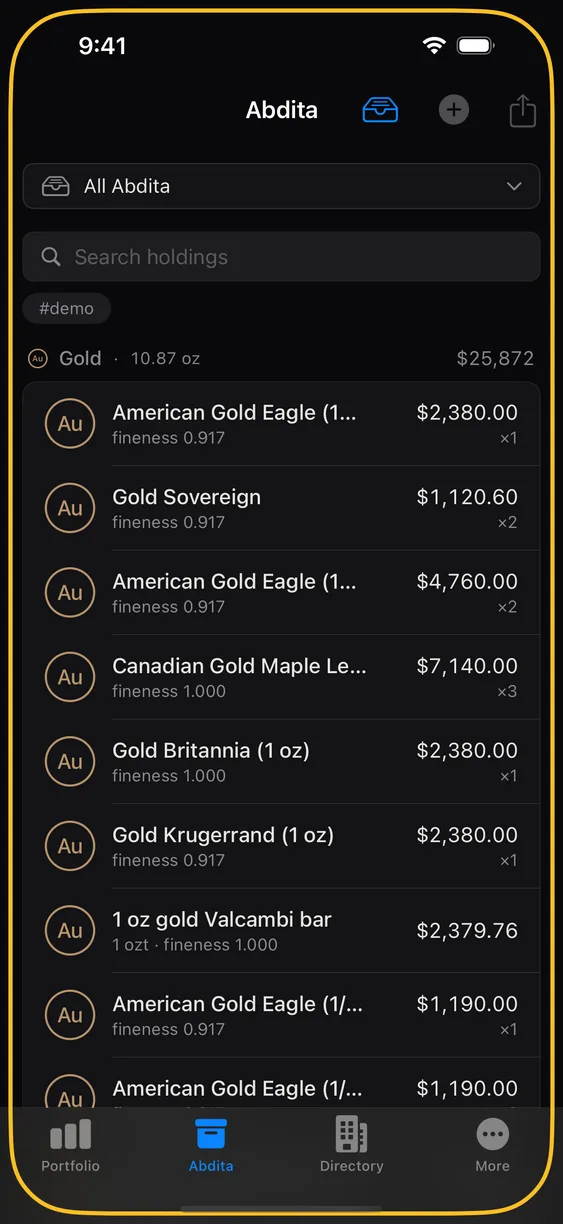
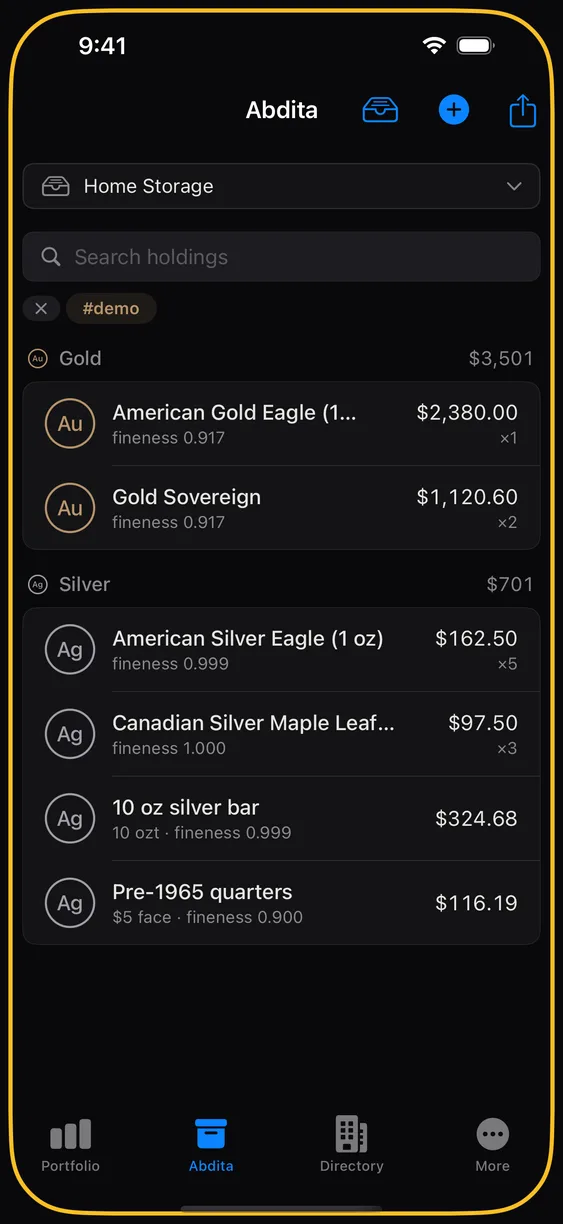
An Abditum is a container. Every holding lives in exactly one, and the name is yours to choose — most people name them for physical places: "Home safe", "Safe deposit box", "Buried in the yard". The plural is Abdita, which is the word you will see on the tab.
An Abditum can optionally record a location. That is for your record of where the container physically is. It never reaches our server. It leaves your phone only inside an encrypted backup you make, to the people you share that Abditum with (the app warns you first), or to your maps app when you tap Open in Maps. It is also excluded from CSV export (see below).
Abdita are the unit of sharing, too: you share an Abditum with a person, not your whole inventory. See Sharing.
Tags
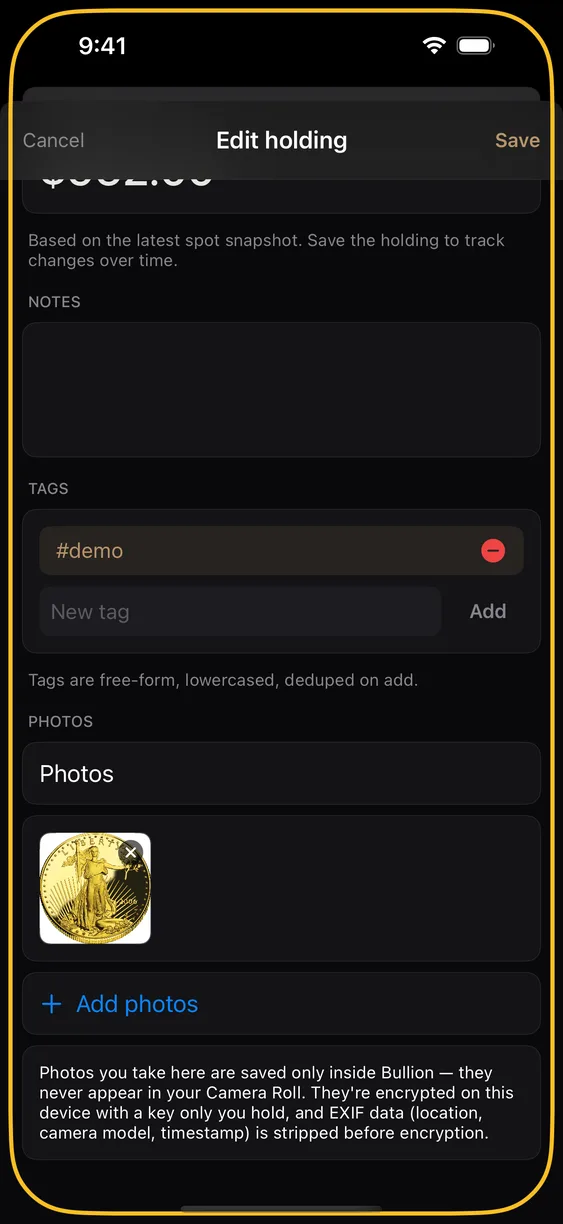
Tags are free text and a holding can carry as many as you like. Where an Abditum answers "where is it?", a tag answers anything else — "gift", "pre-1965", "sell in spring", "insured". Filter by them from the Abdita tab.
Photos
Attach photos to any holding from the camera or your photo library. Two things happen at ingest, both automatically:
- Location and camera metadata are stripped. EXIF data — including GPS coordinates — is removed before the photo is stored.
- iPhone HEIC captures are converted to JPEG, so the file is portable and shows up correctly in backups and exports.
Photos on personal holdings are never uploaded to our server; they leave your phone only inside an encrypted backup you make. Photos on a shared Abditum are encrypted on your device before upload, so the relay stores ciphertext it cannot open.
Search and filter
Search runs across product names, notes, and tags. Filters narrow by metal, by kind, and by Abditum. All of it happens on the device — no search query is ever sent anywhere.
CSV export
Export your holdings as a CSV file — useful for tax prep, insurance schedules, or your own records. There are two places to do it: More ▸ Export ▸ Export CSV writes every holding in every Abditum, shared ones included, and the share menu on the Abdita screen writes just the Abditum you have selected. Each row carries the holding's details, your notes and tags, and what you paid, in what currency, and when.
A CSV file is not encrypted
It is a plain-text copy of your holdings, notes and purchase prices, and anyone who has the file can read it. Nothing locks it, and it is only as private as wherever you send it: AirDrop, a message, a mail attachment and a cloud folder each receive it in the clear. The app makes no network call to write it. On iPhone the app briefly holds a copy in its private temporary storage and deletes it the next time the app launches; on Android it keeps no copy at all. If you want a copy that is locked, make an encrypted backup or an Estate Export instead.
What CSV does not include
Abditum names, Abditum locations, and sort order are deliberately excluded from the contents. The one place a name appears is the file name: a file for a single Abditum is called after it. CSV is a holdings export, not a map of where your metal is; a spreadsheet that lists both "10 oz gold bar" and "buried under the shed" is a different kind of document. If you want everything, use an encrypted backup instead.
Limits
Personal inventory does not sync between your own devices, by design — it is never sent to our server, so there is nothing to sync from. Moving to a new phone is a backup and restore, not a login. See Backup & estate.