User guide
Dealers
A directory of bullion dealers you can search without telling anyone — including us — where you are. What you type into the search box does reach our server; what it does with it is nothing, and this page says how we know.
Screenshots are from the iPhone app. Everything shown on this page works the same way in the Android app, drawn in Android's own style.
Browse, Local, Online, Favorites
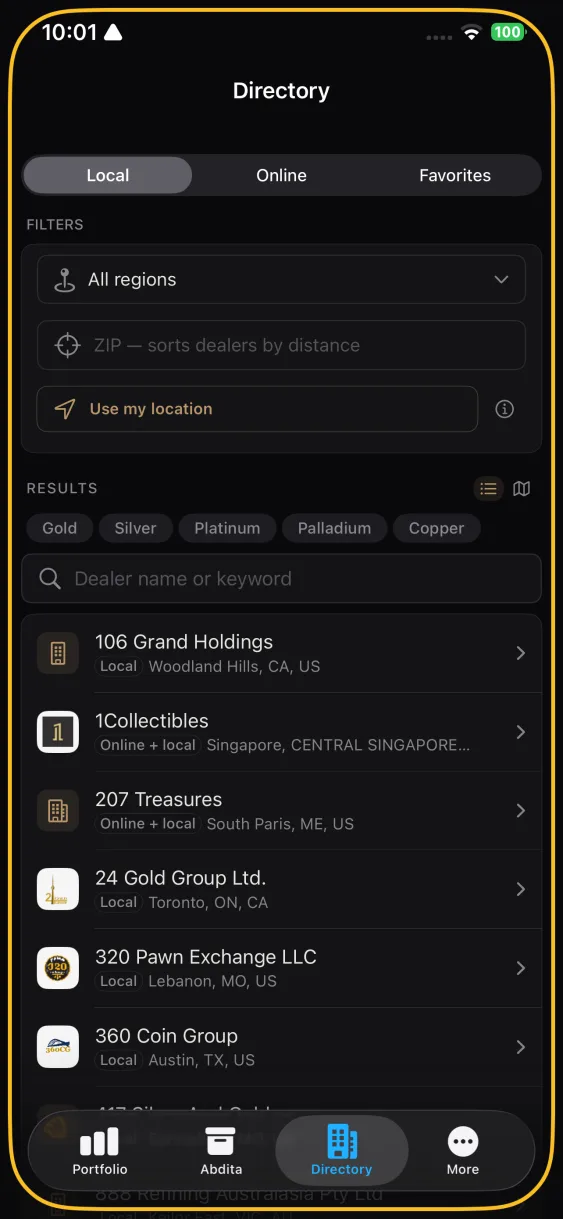
The Directory tab has four views. Browse is everything. Local is shops you can walk into. Online is dealers who ship. Favorites is the ones you marked.
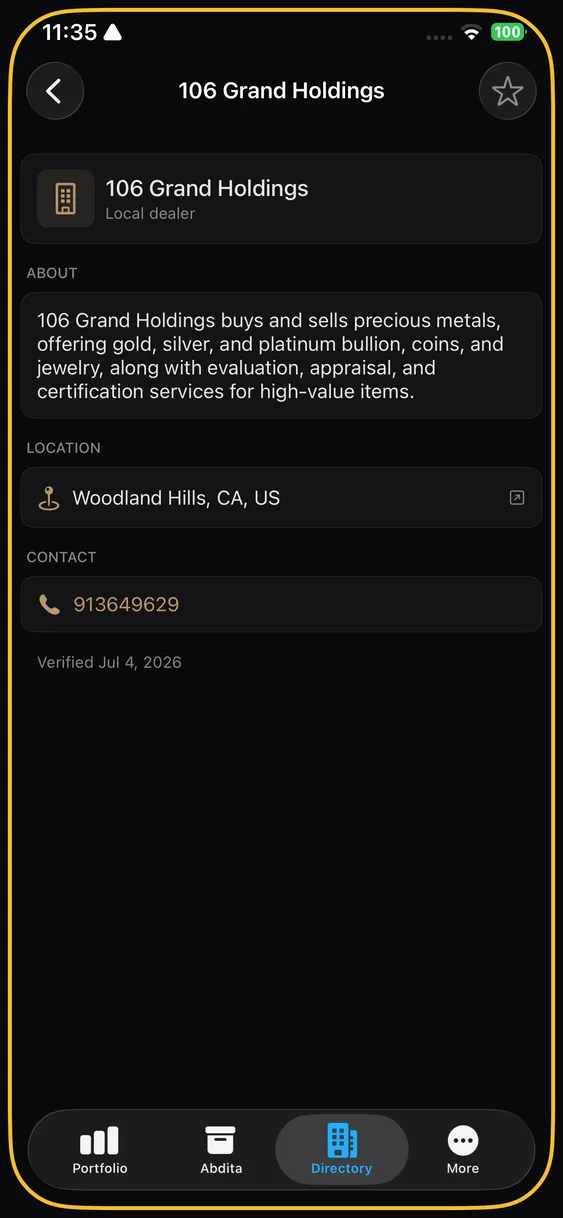
Filter by region and search by name or keyword. Every dealer entry carries the details you would want before spending money: what they deal in, where they are, and how to reach them.
Finding dealers near you
Two ways, both private:
- Type a ZIP code. The app sorts dealers by distance from that ZIP. The ZIP is used on your device; it is not sent to us.
- Use my location. Off by default. Tap it and the app takes a single position fix, uses it to measure distances on the phone, and forgets it. There is no background location, no tracking, and no coordinate in any request to us.
How a "near me" search works without telling us where you are
This is the trick we are most pleased with. Our server never receives your location — not a coordinate, not a ZIP, not a radius. Instead it proposes a spread of dealers from around the world, and your phone answers only which of the server's own suggestions are close to you. Each round narrows the region until it is small enough for your phone to finish the job locally.
Your answers do tell the server something: the area it narrows to is roughly where you are browsing. It stops narrowing once that area holds 100 dealers or fewer, and never narrows below a circle about a kilometre across, so it learns a neighbourhood, never a point. The final pick of the closest dealer happens on your phone and is never sent. The privacy policy describes this exchange under Nearby dealer search.
What a search does send
Searching by name, keyword, or region is a request to our server, and it carries the words and filters you chose. Our application keeps none of it: there is no table that could record a query, and its log records the route, never the text. The web server in front of it is the exception for now: its access log records the full address of each request, search text included, with the time but no IP address, and we are changing it. That is a promise about what we built, not a property of the design, so we would rather say it plainly than let the sentence above imply the words never leave your phone.
The map view
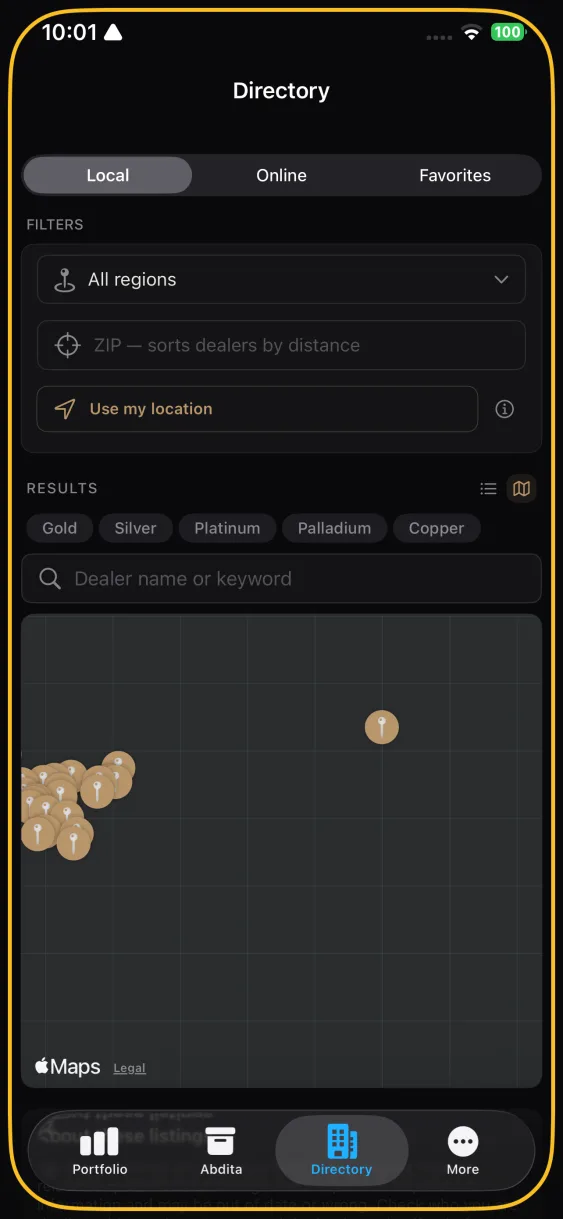
On iPhone, Local can be switched from a list to a map, and the map is Apple's. Drawing it fetches map tiles from Apple's servers, which see the area on screen and your IP address, as with any map on your phone. Our server is not involved and does not know you used it. The list is the default and involves no map traffic. Android has no map inside the app: use a dealer's Open in Maps button to see it in the maps app you already use.
Dealer links open in your browser
Tapping a dealer's website hands off to Safari or Chrome rather than opening a browser inside the app. An in-app browser would put us between you and the dealer — able to see what you looked at. The hand-off means we cannot.
Coverage
The directory updates independently of app releases, so new dealers appear without waiting for a new version. Coverage is strongest where we have done the most work and thinner elsewhere; it grows over time.
Know a dealer we are missing, or see an entry that is wrong? Email support@abditex.com. We do not accept payment for inclusion.